The easy way to pay
One payment ecosystem for users, businesses and SaaS platforms.
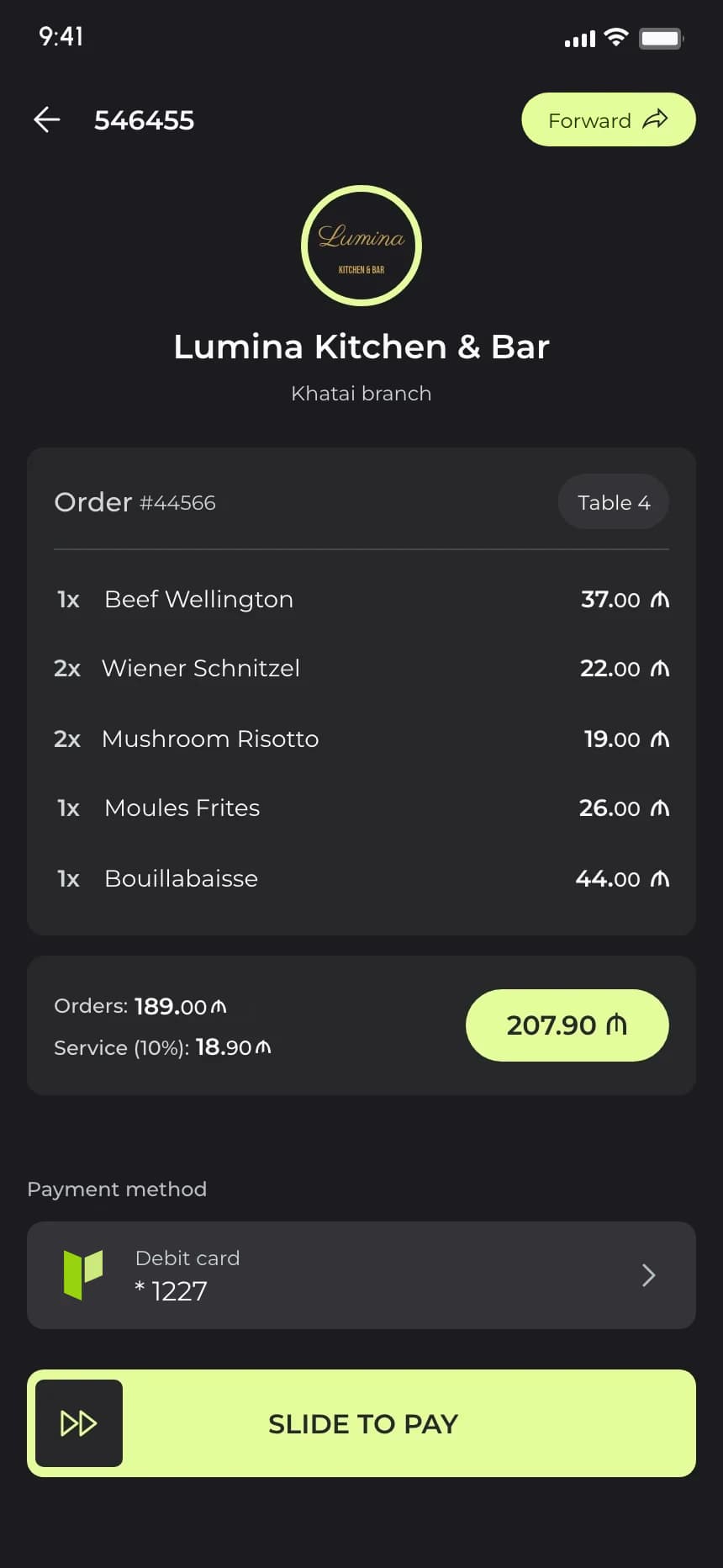
Try Chewick in the simulatorFilm: a glass Chewick symbol stands on a dark stage and releases a payment code, a QR, a link and a card. A phone arrives, the code 546 455 flies into it and the screen confirms the payment of 207.90 manat at Lumina Kitchen & Bar.
Pay without a card, stay in full control
With Chewick, check the details behind any code, QR or link before you pay.
- Pay by code and QREnter the 6‑digit code or scan the QR. No card details or forms needed.
- Full details before you confirmSee the business, the items and the amount. Then slide to pay.
- Split BillPay the whole bill or just your share, split the amount, or forward it and let someone else pay.
- Forward a paymentForward an open payment to someone by number or Chewick ID and let them pay it.
One dashboard for every payment channel
However a payment is created, every transaction comes together in the same Merchant Portal history.

Merchant Portal, example data
Merchant Portal
The management screen for your business: balance, payments, history and reports. With roles for the people who use it.
Learn more: Merchant PortalPaylink
Create a payment link with a QR and a 6‑digit code. Send it wherever the conversation is.
Learn more: PaylinkCashier
A checkout screen for the counter. Add the items, create the payment, show the QR and the code.
Learn more: CashierCheckout
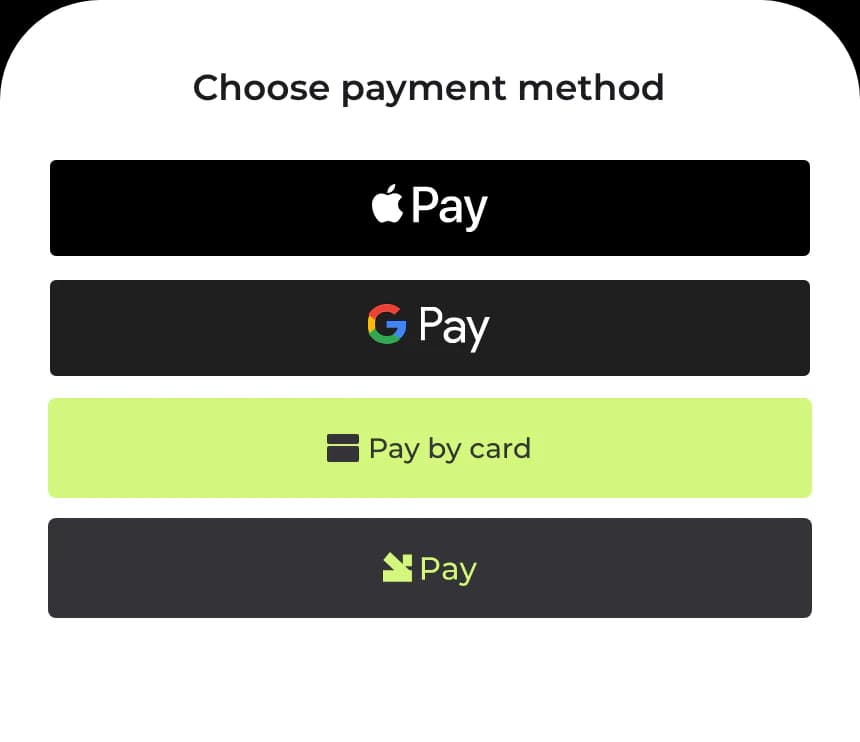
A payment page for your website or app. Your customer chooses Chewick, a bank card, Apple Pay or Google Pay.
Learn more: Checkout
No app needed to pay
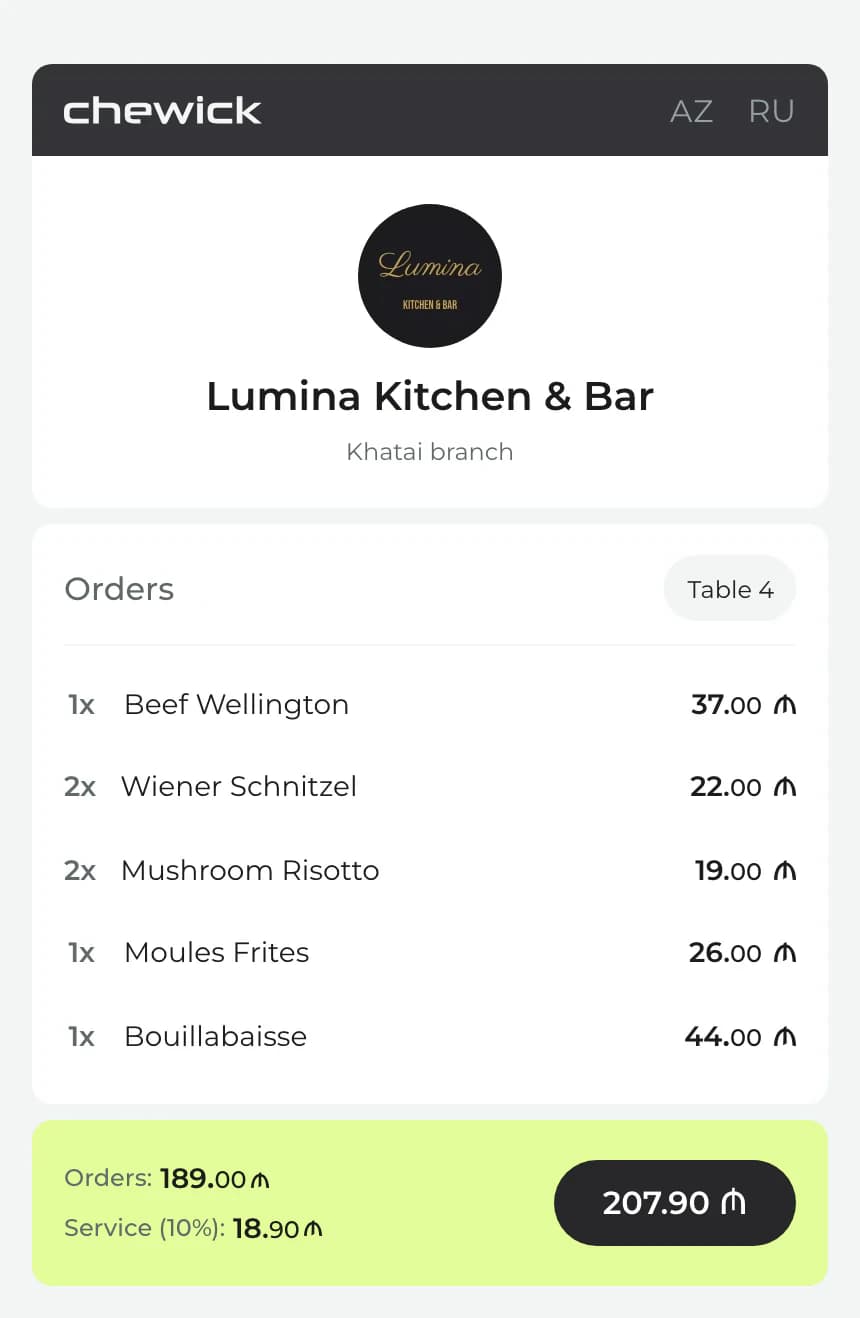
Every transaction made with bank cards, Apple Pay, Google Pay and Chewick is collected in one portal.
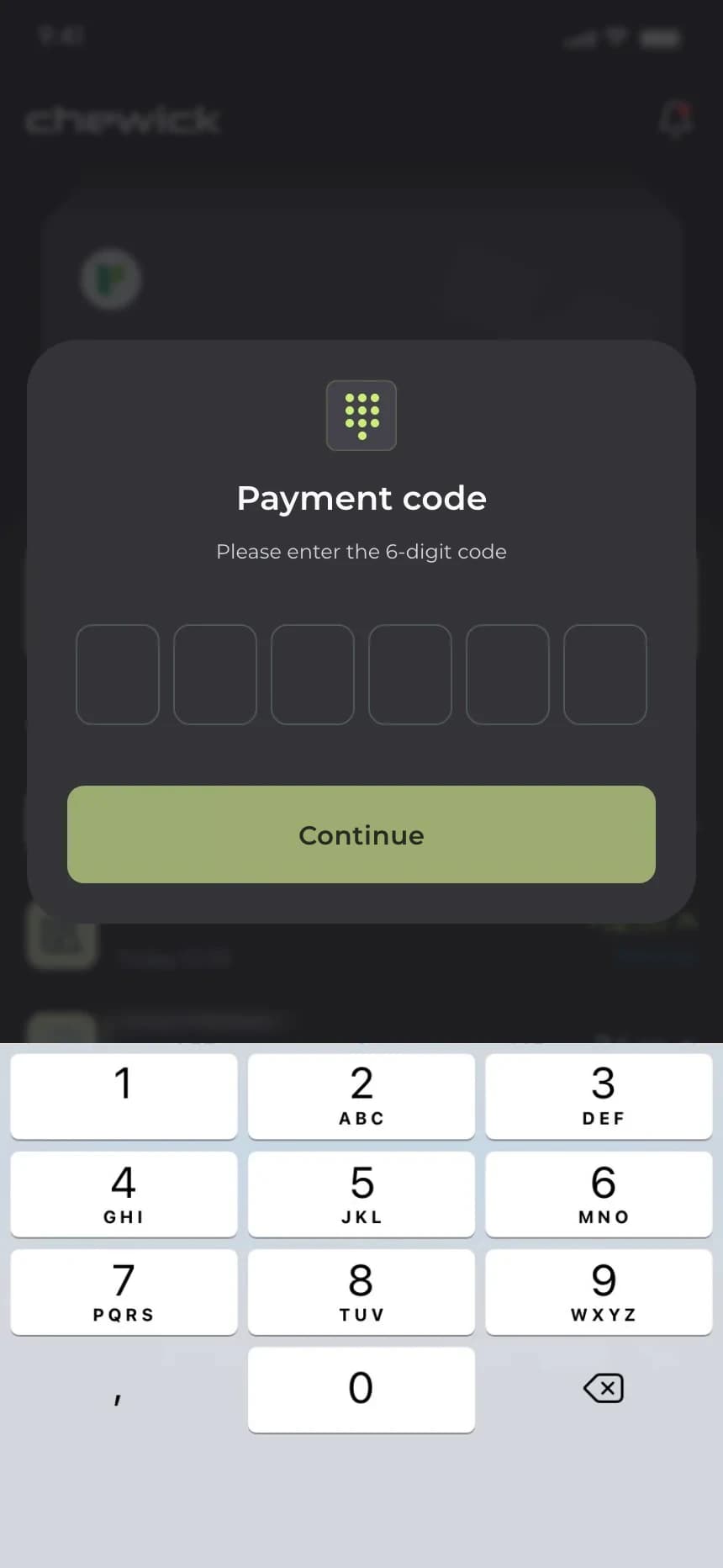
Remote payments made easy
Create a payment request in one place and get it confirmed from any distance. The payer does not need to be there with you.
Create
The business builds the payment request in the portal.
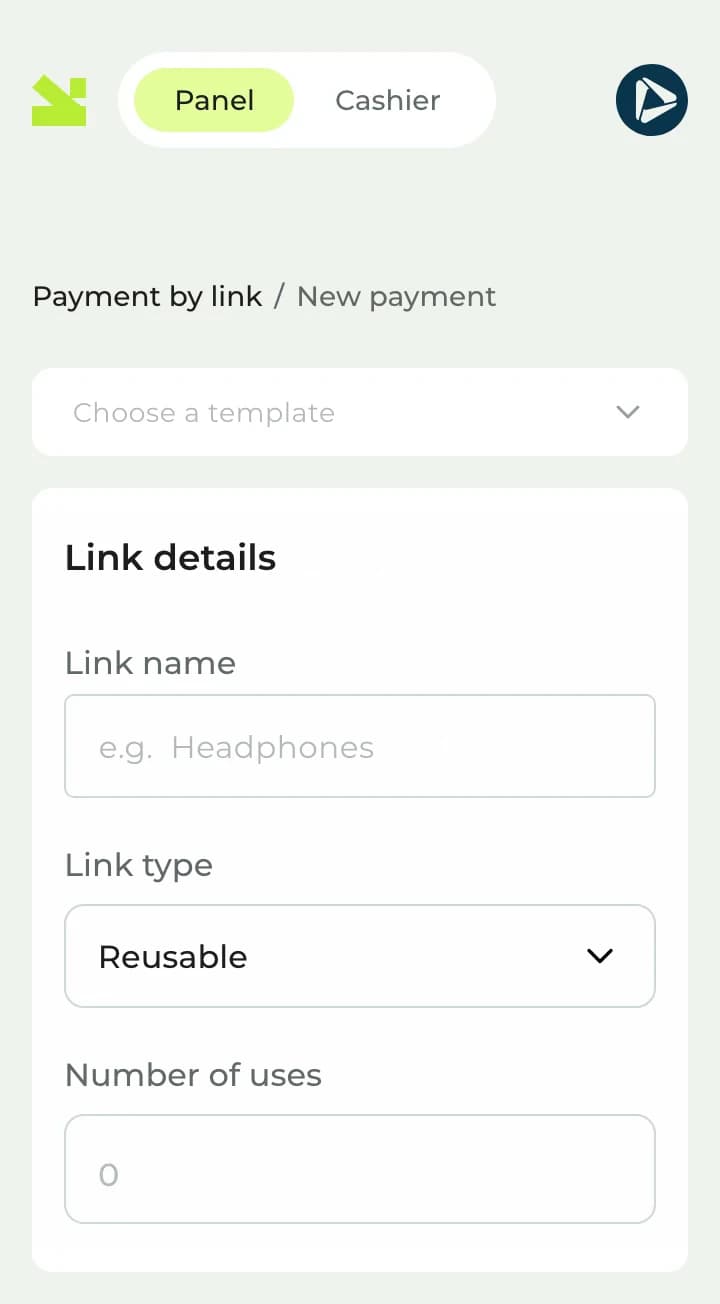
Choose how to send it
Pass the request to the customer by QR, 6‑digit code, link or Chewick ID.
QRPayment code546455Payment linkpaylink.chewick.com/p/7f3k2qThe request goes out
It reaches the customer right away by push notification, SMS, a messaging app or a QR scan.
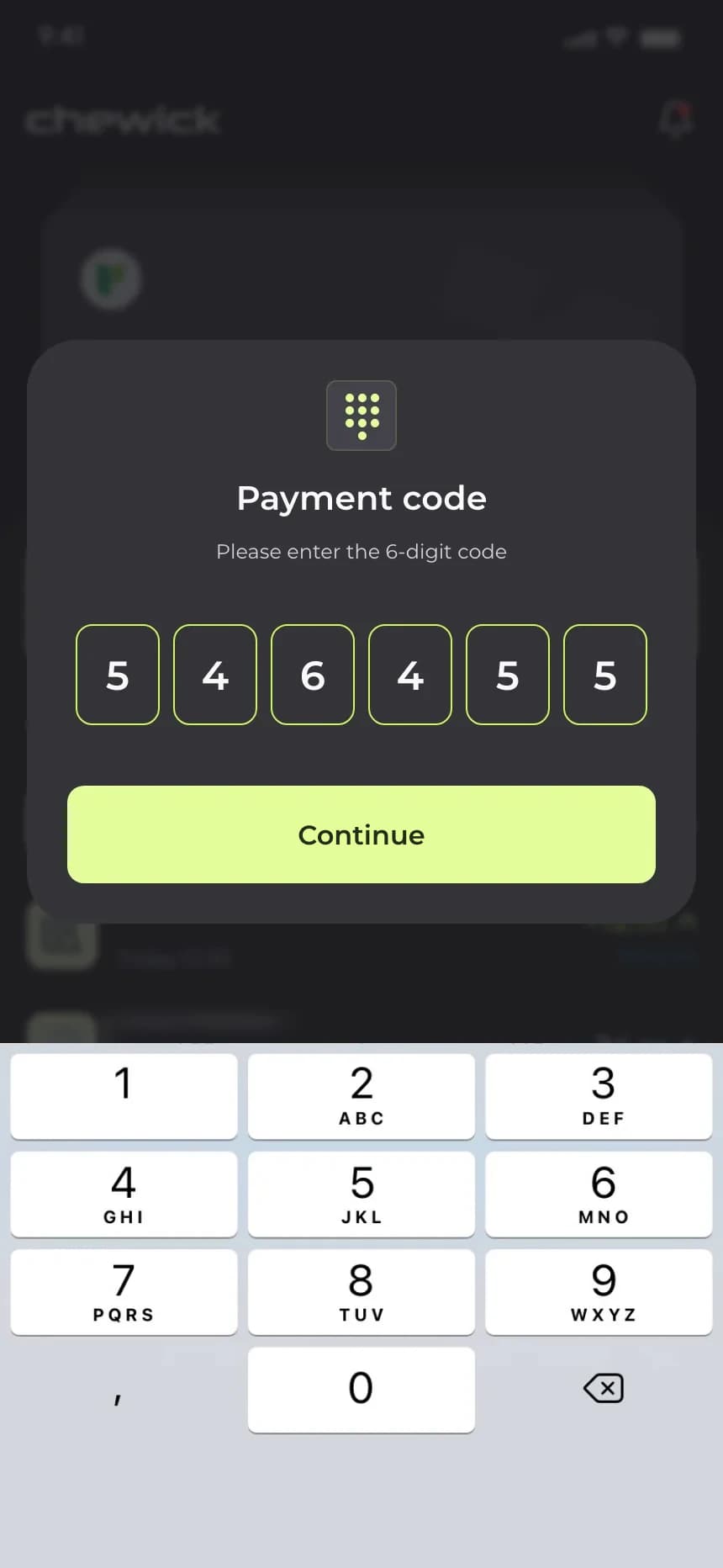
They review and confirm
The customer reviews the payment details and confirms with a slide and biometric authentication.
Payment complete
The transaction status in the portal changes to Paid and the balance goes up right away.
Merchant PortalHeadphones (2 pcs.)₼ 129.98Paid
Built on real business scenarios
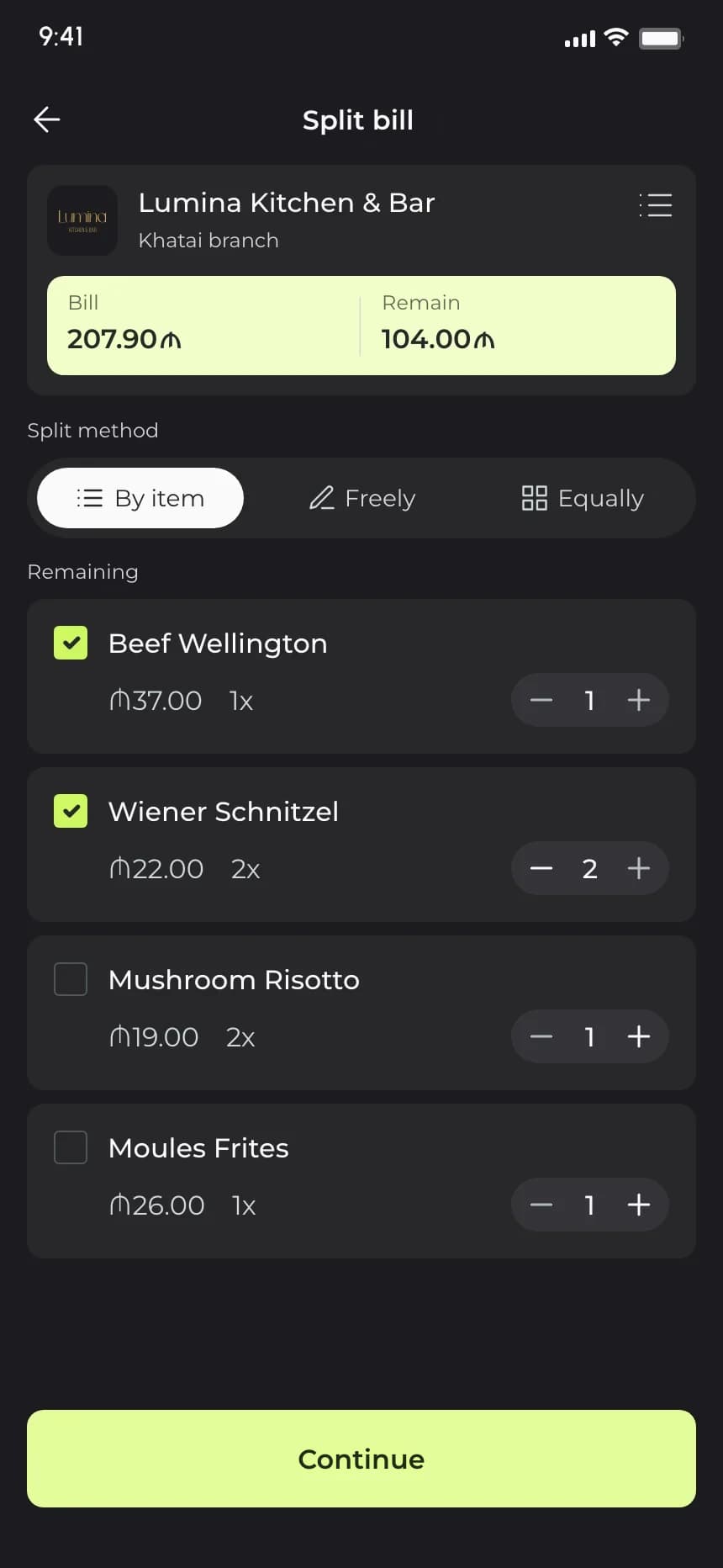 01Restaurants and cafesSplit the bill at the tableOne QR code per order is enough. Guests split the bill between them and pay, while you follow every payment in the portal in real time.Learn more: Split the bill at the table
- 02Online and social media salesSell from Instagram with a linkCreate a payment link and send it to any chat. The customer pays with Chewick, a card, Apple Pay or Google Pay.Learn more: Sell from Instagram with a link
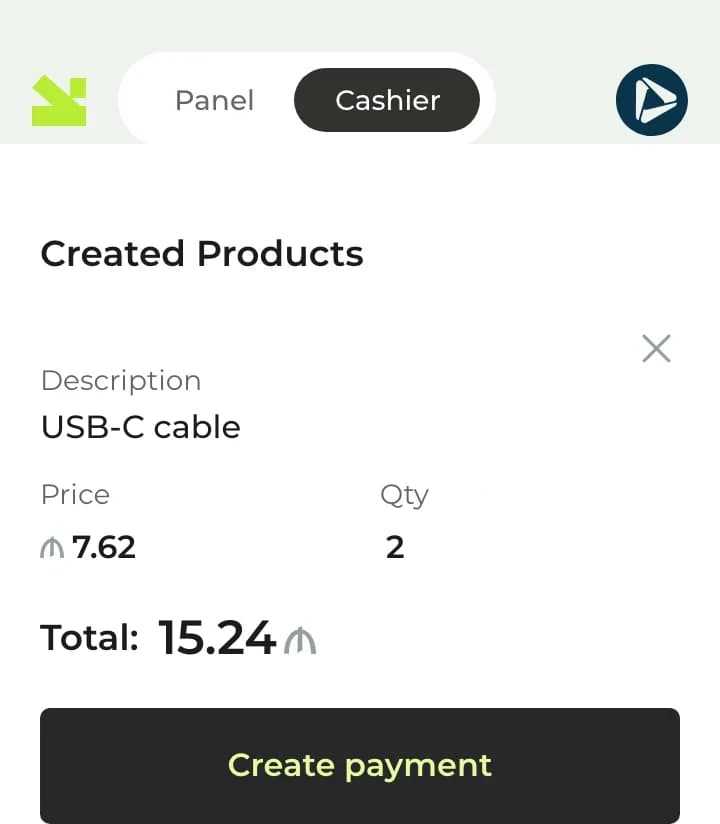 03RetailA checkout without a terminalChewick Cashier runs in a web browser. Add items to the cart, show the customer a QR code or a 6‑digit code, and print the receipt instantly.Learn more: A checkout without a terminal
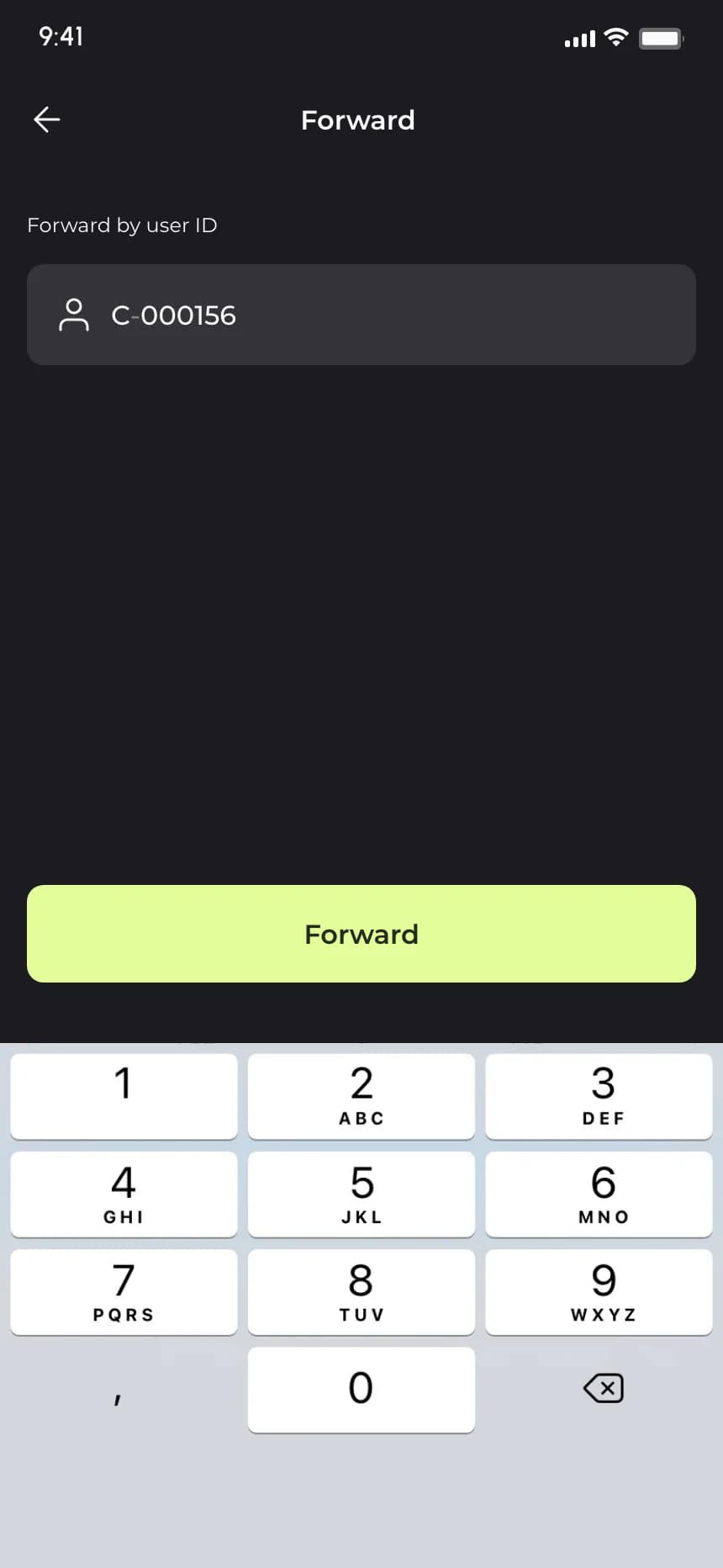 04PersonalEasy, instant payment from any distanceA payment sent from a sales channel (shop, chat, website) reaches you instantly as a notification, a QR or code, or a link.Learn more: Easy, instant payment from any distance
Flexible, open infrastructure
The infrastructure at the core of Chewick is fully available to fintechs, marketplaces and enterprises too.
Your product
A mobile app, a website, a marketplace or cashier software. Your brand, your users.
- Mobile app
- Website
- Marketplace
- Cashier software
Chewick infrastructure
Payment creation, links, QR and codes, payer confirmation, status and history.
- Links, QR, codes
- Confirmation
- Routing
- Status and reports
Payment provider and banks
Card processing by a licensed payment service provider partner.
White-label payments
Offer payments under your own brand. Chewick runs the backend.
Learn more: White-label paymentsCustom solutions
Payment modules and flows shaped to your process, including loan repayments.
Learn more: Custom solutionsPayment capabilities
Grouped operations your integration can use.
Learn more: Payment capabilities
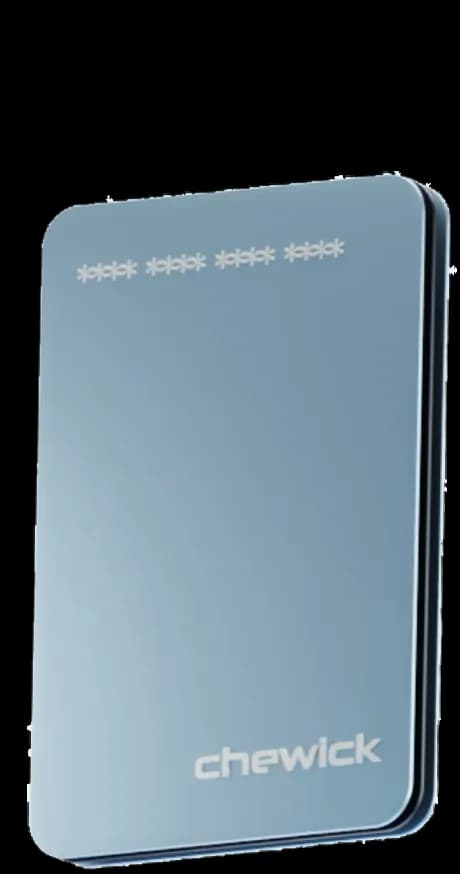
Control stays with the payer
- Card details are never shared with the business.
- A payment completes only after the payer confirms it.
- Payments are processed by a licensed payment service provider partner.
- Chewick is operated by Chevvick Solutions LLC, Baku.
Check. Quick. Chewick.
The name comes from two words. Check: every payment is verified by the person paying. Quick: it takes seconds. That is the whole idea, and it has not changed.